

























Anaconda at the Backrooms 2
Anaconda at the Backrooms 2 - Play Online
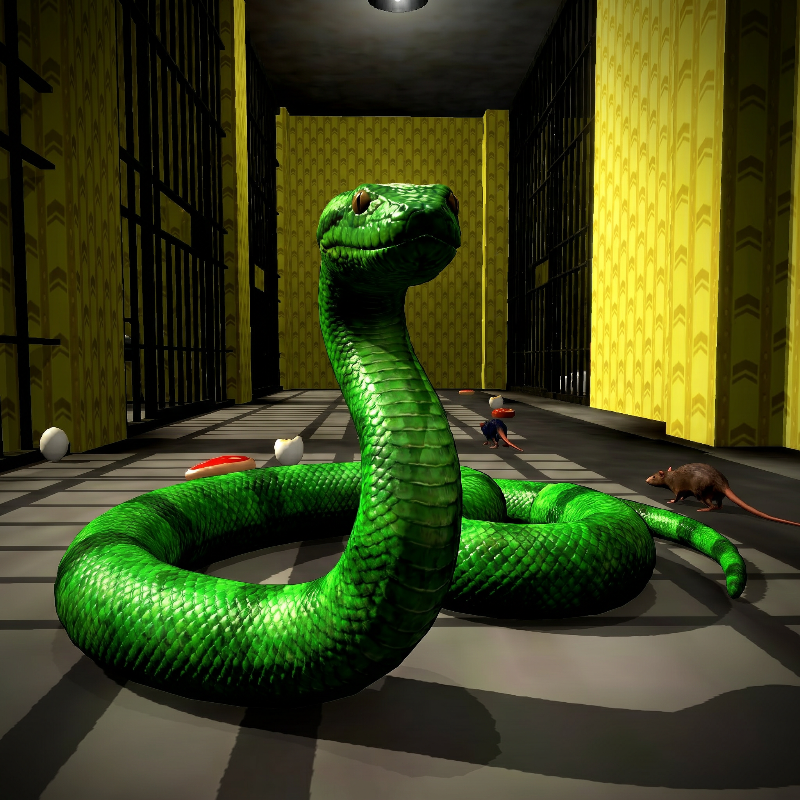
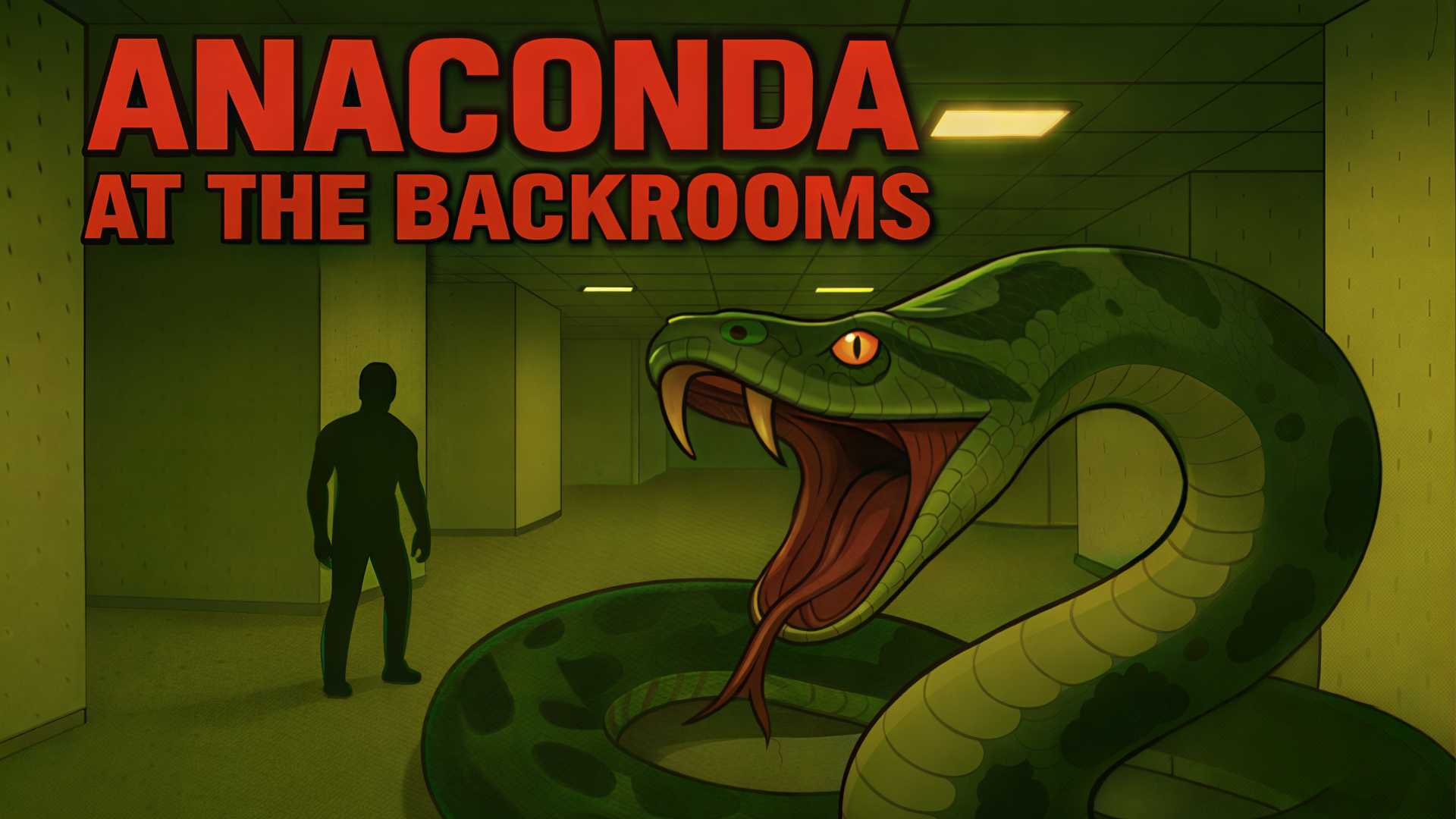
Trapped in endless yellow hallways with a mutated predator hunting every step. Anaconda at the Backrooms 2 drops you into the liminal maze where moldy carpet meets primal terror—one wrong sound and the anaconda strikes. No checkpoints, no mercy, just survive long enough to find the exit.
How to Play Anaconda at the Backrooms 2
Hunt down food items and rats scattered across procedurally generated corridors to grow your snake body while avoiding obstacles and self-collision. Reach the target count to unlock the next level. Each hallway demands careful movement through tight corners and narrow passages as your length increases.
Navigate the Liminal Maze
WASD keys control movement while mouse aim swivels the camera through yellow-walled corridors and prison-like sections. Press E or left shift to toggle head-up view, giving you a better angle to spot meat chunks and NPC rats before committing to a turn. Snake games demand spatial awareness—memorize your tail position to avoid dead-end collisions. Flat lighting and crude geometry make depth perception tricky, so slow down near corners.
Consume and Grow
Eating food increases your snake's length segment by segment, raising your score but narrowing safe paths. Target counters track how many items remain before the level unlocks. Rats wander randomly, forcing you to chase or ambush them in alcoves. If you enjoyed navigating tight spaces under pressure, Anaconda at the Backrooms delivers the same low-poly yellow hallways and survival-horror atmosphere that started the series. P pauses the action when you need to plan your route; R restarts instantly after a crash.
Outsmart Environmental Hazards
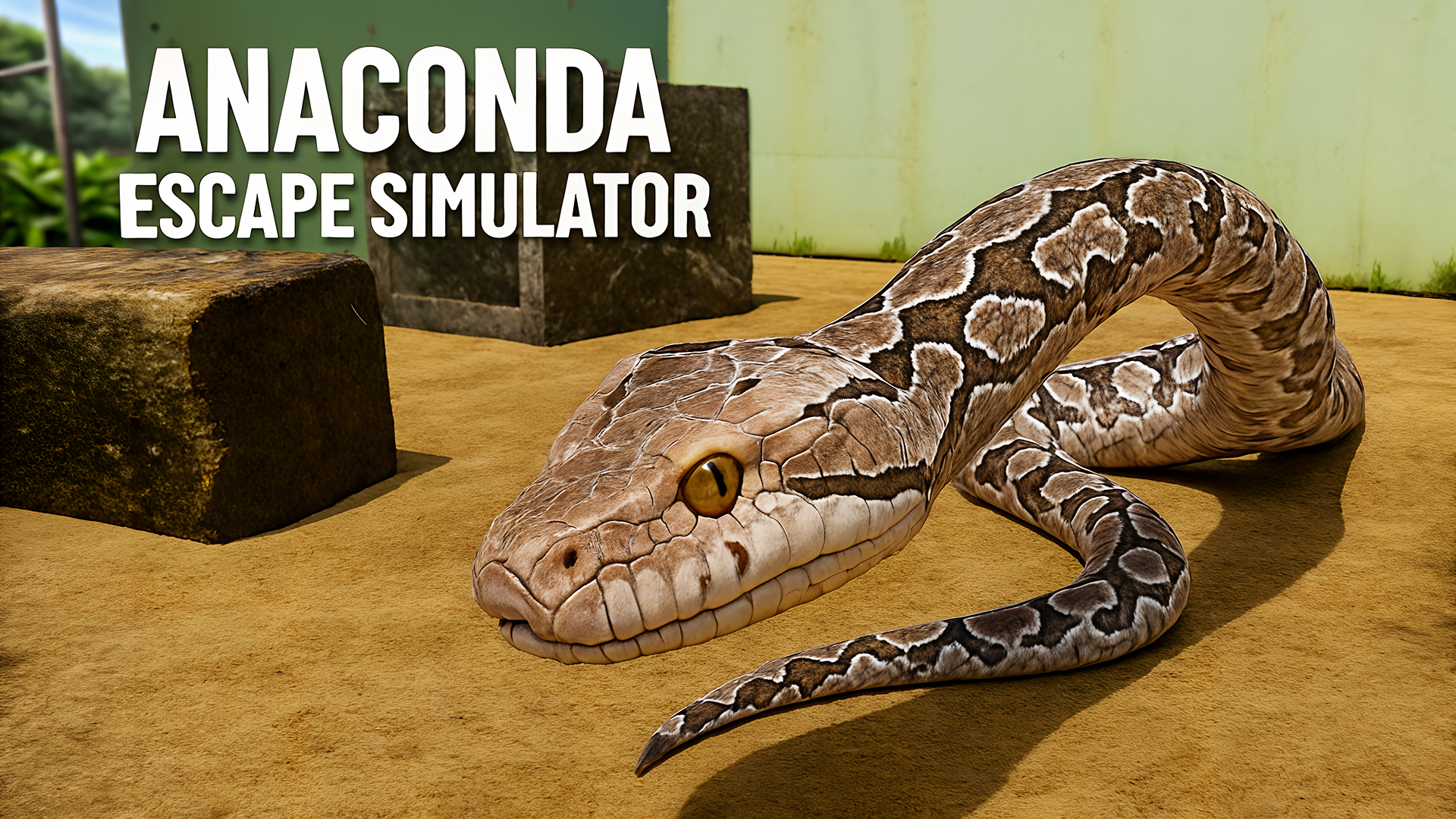
Prison bars and narrow doorways punish reckless sprints—clip your tail and the run ends. Stay alert for geometry seams where floor textures z-fight; these visual glitches often mark collision edges. M toggles sound if the buzzing lights distract you. For a hunter's perspective instead of prey, Anaconda Escape Simulator flips roles by letting you play as the predator stalking through open wilderness with the same Unity aesthetic. Use space or left mouse button to activate head-up mode during critical moments, buying split seconds to dodge incoming walls.
Key Features
- Procedurally Generated Backrooms: Yellow corridors and prison sections shuffle layout each run, eliminating memorization cheese.
- Low-Poly Liminal Horror: Flat lighting and crude geometry amplify the unsettling Backrooms aesthetic with mismatched textures and raw ambient sound.
- Target-Based Progression: Clear food and rat counters before unlocking the next level; no hidden objectives or surprise requirements.
- Dual Perspective Modes: Toggle between first-person immersion and third-person tactical view to adapt to tight spaces or open halls.
Who is Anaconda at the Backrooms 2 for?
Built for hyper-casual players who crave quick shock sessions and meme-driven creepypasta vibes without steep learning curves. Younger audiences attracted to viral Backrooms content will recognize the yellow wallpaper instantly. If you prefer competitive snake action over horror, Little Big Snake offers fast-paced arena combat where growth and agility matter in multiplayer survival loops. Desktop and web gamers looking for no-download scares can jump straight into Anaconda at the Backrooms 2 from any browser.
Developer
Anaconda at the Backrooms 2 was developed by Breymantech. The game blends classic snake mechanics with 3D horror aesthetics, delivering instant browser-based survival challenges without requiring any downloads or installation.
Controls
- WASD: Move the snake through corridors
- Mouse: Control camera angle
- E / Left Shift: Toggle head-up view
- Space / Left Mouse Button: Activate head-up mode
- P: Pause game
- R: Restart level
- M: Mute/unmute audio
FAQ
How do I avoid hitting my own tail in narrow hallways?
Toggle head-up view with E or left shift before entering tight corners, then trace your tail's position mentally. Move slowly near prison bars or narrow doorways where your extended body fills most of the passage. If you clip yourself, restart with R and plan a wider arc next attempt.
What happens when I reach the target count?
The current level unlocks and you proceed to the next procedurally generated section. Target counters for food and rats reset, and the maze layout shuffles with new corridors and hazards. Your snake length carries over, making each successive level harder as you navigate with a longer body.
Can I play Anaconda at the Backrooms 2 on mobile devices?
The game is optimized for desktop browsers with keyboard and mouse controls. Mobile support is not confirmed, as WASD movement and mouse camera rely on standard PC input. Check Playgama's platform compatibility before attempting on tablets or phones.
Do NPC rats follow specific movement patterns?
Rats wander randomly through corridors without predictable routes. Ambush them in alcoves or chase them into dead ends where they have nowhere to escape. Your speed advantage works best in open sections; tight hallways give rats room to slip past your head.
What causes the visual glitches on floor textures?
Z-fighting and poor lightmapping create flickering seams where floor textures overlap. These artifacts are part of the low-fidelity Unity aesthetic but often mark collision edges—treat visible glitches as warnings to adjust your path before clipping geometry.
Use this link to embed the game on your website using an iframe
 Sign in to Embed and Monetize Games