

 Obby but You're on a Bike

 Hidden Object: Street Of Secrets
 Gym Simulator Online, Escape
 Pregnant Mother Simulator
 Build an Aquapark
 My Town Home: Family Playhouse

 Deadly Descent
 Piece of Cake: Merge & Bake
 Sprunki Sandbox: Ragdoll Playground Mode
 Obby: +1 Jump per Click
 Car Crush: Realistic Destruction
 Snake 2048


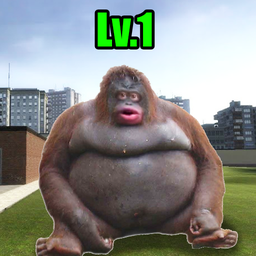
NEXTBOTS: Gmod SANDBOX
NEXTBOTS: Gmod SANDBOX - Play Online
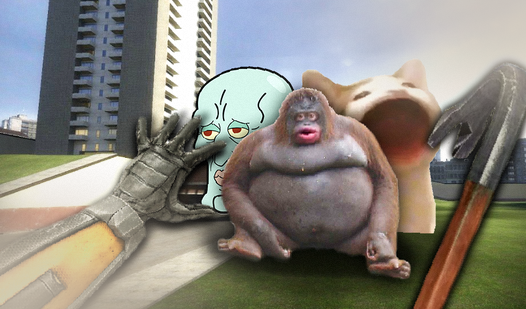
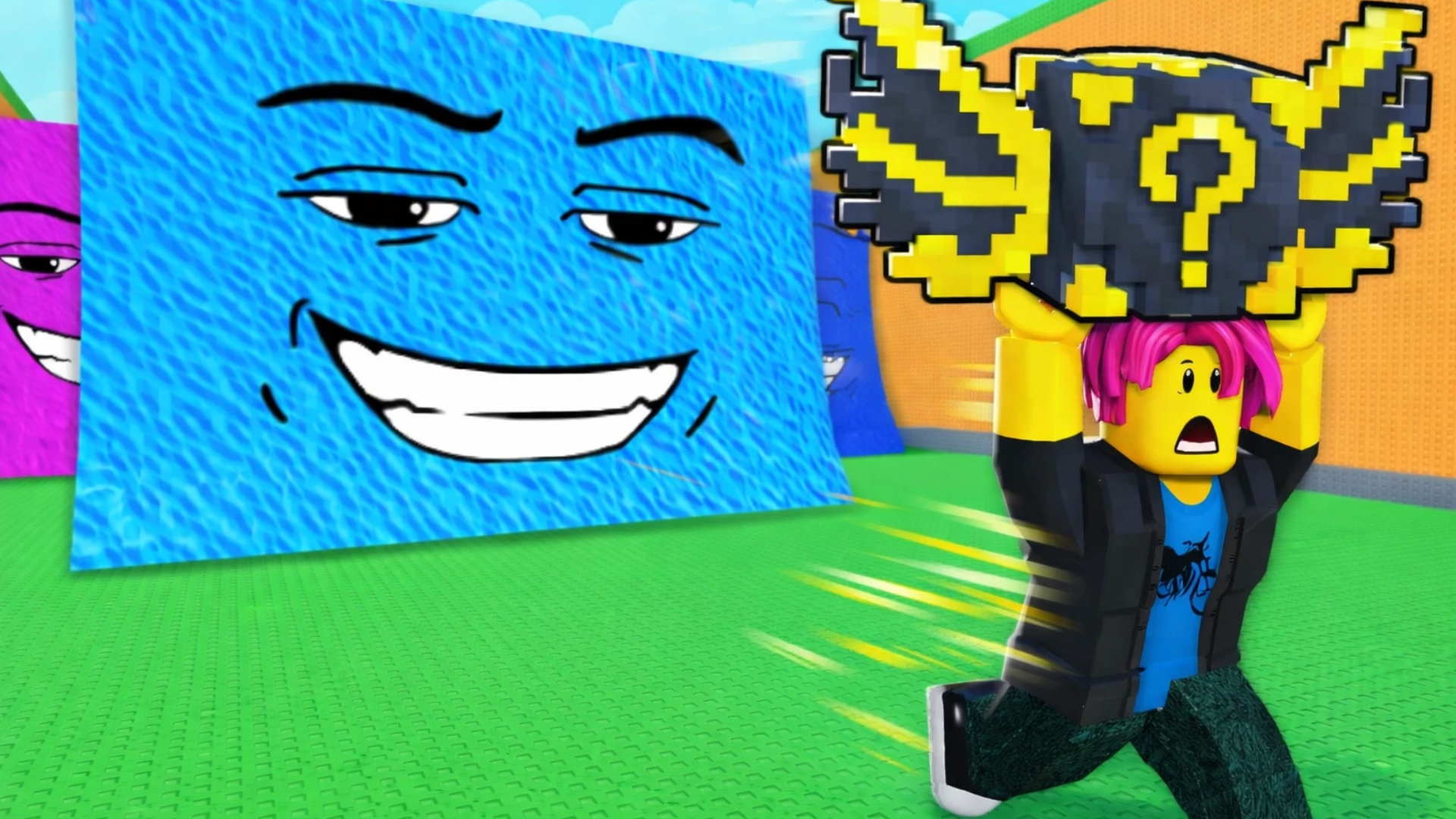
Run. Don't stop. Meme sprites hunt you across low-poly geometry while you collect diamonds and dodge pixelated chaos. NEXTBOTS: Gmod SANDBOX strips Garry's Mod's nextbot mode down to browser-friendly parkour panic—wall-running, sliding, and jerking through Backstage, skyline, and backrooms maps. Pick from 22 nextbots or unleash all simultaneously. Each chase unfolds differently. Four modes remix the formula: timed survival, point collection, role reversal where you become the hunter, and classic crystal hunts. No downloads. Instant browser action.
How to Play NEXTBOTS: Gmod SANDBOX
Survive. Collect crystals. Outlast the nextbots chasing you through three distinct maps. Speed matters—upgrade your sprint and dash in the shop between rounds. Wall-running extends your escape routes vertically while sliding maintains momentum through tight corridors.
Movement and Evasion
WASD controls your sprint. Hold Shift to dash—cooldown resets fast, so spam it during close encounters. Press Z mid-sprint to slide, chaining speed boosts across open stretches. Wall-running activates automatically when you sprint parallel to vertical surfaces, letting you traverse skyline edges and backrooms corners. Four unlockable skills add tactical depth: time your activations when nextbots cluster or block escape paths.
Modes and Progression
Classic mode tests pure endurance—survive waves until the timer expires. Points mode rewards strategic crystal collection under pressure. Role-swap mode flips the script, letting you control a nextbot hunting other players. Each session earns currency for the upgrade shop, where movement speed and dash distance permanently improve. If you crave more nextbot pandemonium, Nextbot Chasing escalates the parkour formula with tighter speedrun objectives and similar wall-running physics.
Nextbot Selection Strategy
Twenty-two nextbots populate NEXTBOTS: Gmod SANDBOX, each with unique behavior patterns and audio cues. Selective spawns let you learn individual AI quirks—some corner aggressively, others patrol predictably. Spawn all 22 for maximum chaos where overlapping pursuit patterns force rapid decision-making. Backstage's tight hallways favor dash spam; open skyline sections reward wall-running chains. Fans of survival games will recognize the escalating difficulty curve as nextbot counts multiply.
Key Features
- 22 Nextbots: Mix familiar Garry's Mod meme sprites with new additions, each carrying distinct soundtracks and chase behaviors.
- Three Maps: Backstage backrooms, urban skyline, and water-adjacent zones built from primitive geometry with flat textures and 2D billboards.
- Four Game Modes: Timed survival, crystal collection, hunter role-swap, and point-based challenges rotate the core chase loop.
- Upgrade Shop: Spend diamonds on permanent character speed boosts and extended dash ranges between runs.
- Skill System: Four unlockable abilities add burst mobility or tactical counters during nextbot swarms.
Who is NEXTBOTS: Gmod SANDBOX for?
Young players craving meme-fueled chaos and parkour enthusiasts chasing speedrun times. Garry's Mod veterans recognizing nextbot culture will appreciate the browser accessibility, while action games fans hunting quick adrenaline hits find satisfying loops here. The minimalist Unity execution targets casual web sessions—no installation friction, just click and dash. If you enjoyed the multiplayer nextbot format, Nextbots Online expands the concept with collaborative survival across similar backrooms aesthetics.
Developer
NEXTBOTS: Gmod SANDBOX was developed by LokiDev. The game condenses Garry's Mod's nextbot chase mechanics into browser-ready Unity sessions featuring wall-running, sliding, and 22 meme-inspired entities across three low-poly environments.
Controls
- WASD: Sprint in four directions
- Shift: Dash forward with brief cooldown
- Z: Slide to maintain momentum
- Wall-running: Sprint parallel to vertical surfaces to traverse walls automatically
FAQ
Can I play NEXTBOTS: Gmod SANDBOX on mobile?
Desktop only. Keyboard controls (WASD, Shift, Z) require physical keys for wall-running and dash timing. Touch input isn't supported in the current Unity build.
How do upgrades work in the shop?
Collect blue diamonds during runs, then spend them between sessions on permanent character speed increases or dash distance extensions. Upgrades stack, making later survival attempts easier as nextbot counts rise.
What's the difference between the four modes?
Classic survival times your endurance against waves. Points mode prioritizes crystal collection under pressure. Role-swap lets you control a nextbot hunting others. Each mode rewards different playstyles—pure evasion versus risk-reward collection versus predator tactics.
Which map is best for beginners?
Skyline offers open sightlines for tracking nextbot positions and wall-running chains. Backstage's tight corridors demand faster reflexes. Start on skyline to learn dash timing and movement flow before tackling claustrophobic backrooms sections in NEXTBOTS: Gmod SANDBOX.
Do all 22 nextbots behave the same?
No. Each carries unique pursuit patterns and audio signatures. Some corner aggressively, others patrol fixed routes. Spawning selective nextbots lets you study individual behaviors. Spawning all 22 creates unpredictable overlapping chases where you can't memorize patterns—pure reactive survival across 3D games environments.
Video